 ListHarbor
A Buy Me a Pie Alternative for Shared Grocery Lists
Updated
Buy Me a Pie made sharing a grocery list simple. If its iPhone app has gone quiet on you, here's where it stands, what ListHarbor does instead, and how to move your list in a couple of minutes.
The short answer: ListHarbor is a free Buy Me a Pie alternative: a shared grocery list that syncs live between iPhone and Android, with no ads, and sharing is part of the free app. Buy Me a Pie still works and is still well rated, but its iPhone app hasn't been updated since December 2023. If you want a list app that's still moving on iPhone, copy your list out as text and paste it into ListHarbor.
Where Buy Me a Pie stands in 2026
Checked against each app's own store listings and website on October 27, 2026. Store listings change; follow the links for today's version.
- iPhone: the App Store still lists version 5.4.16, released December 5, 2023, as the latest. It holds a 4.7 rating from about 24,000 ratings (App Store).
- Android: the Google Play version is still updated (most recently on August 26, 2026), rated 4.7 from 33.9K reviews, and marked "Contains ads" (Google Play).
- Price: free to download. Its App Store listing says Pro unlocks "unlimited shopping lists, sharing lists to unlimited users, additional color groups, ads-free version and premium support" for $2.99 a month or $29.99 a year, with a one-time lifetime option too.
- Where it runs: iPhone, iPad and Apple Watch, Android, and a web version at buymeapie.com.
So this isn't an abandoned app, and plenty of people are happy with it. The gap is on iPhone: almost three years without an update means no fixes or new features have reached that version since.
What ListHarbor does instead
The idea is the same one that made Buy Me a Pie popular: one list, everyone in the house sees it change. ListHarbor adds the parts that make the weekly shop faster:
- Live shared lists: put a list in a group (Home, Roommates, Beach House) and everyone sees adds, edits and check-offs as they happen, on iPhone, iPad and Android.
- Group notifications when someone adds items, starts shopping or finishes.
- Shopping mode: the screen stays awake, items get bigger, and the running total stays pinned at the bottom.
- Aisle order per store, which ListHarbor can learn from one normal-sized trip in shopping mode.
- Prices that remember themselves: items start at the price you last paid, so a list's budget fills itself in.
- Recipe import from a link on most recipe sites, and ready-made Thanksgiving and Christmas lists.
All of that is free, and there are no ads for anyone, paid or not. Free covers one group of your own with up to 3 members. Premium is optional and adds unlimited groups of up to 6 members each, unlimited photo backup and more recurring lists (the free vs. Premium breakdown has the details).
What you'd give up
Buy Me a Pie has an Apple Watch app and a web version; ListHarbor has neither. If you build your list on a laptop or tick items off on your wrist, that matters. ListHarbor's answer is home-screen widgets you can check items off from (plus a Lock Screen widget on iPhone) and adding items by voice with Siri on iPhone.
How to move your list from Buy Me a Pie
- Get your list out as text. Buy Me a Pie's listing says you can share your lists by text message or email. Send the list to yourself, then copy the text.
- Paste it into ListHarbor. Open a list and paste into the add bar. Each line becomes its own item. Bullets, checkboxes and numbers are dropped, and lines marked as done (like ☑ or [x]) are left out, because you already bought them.
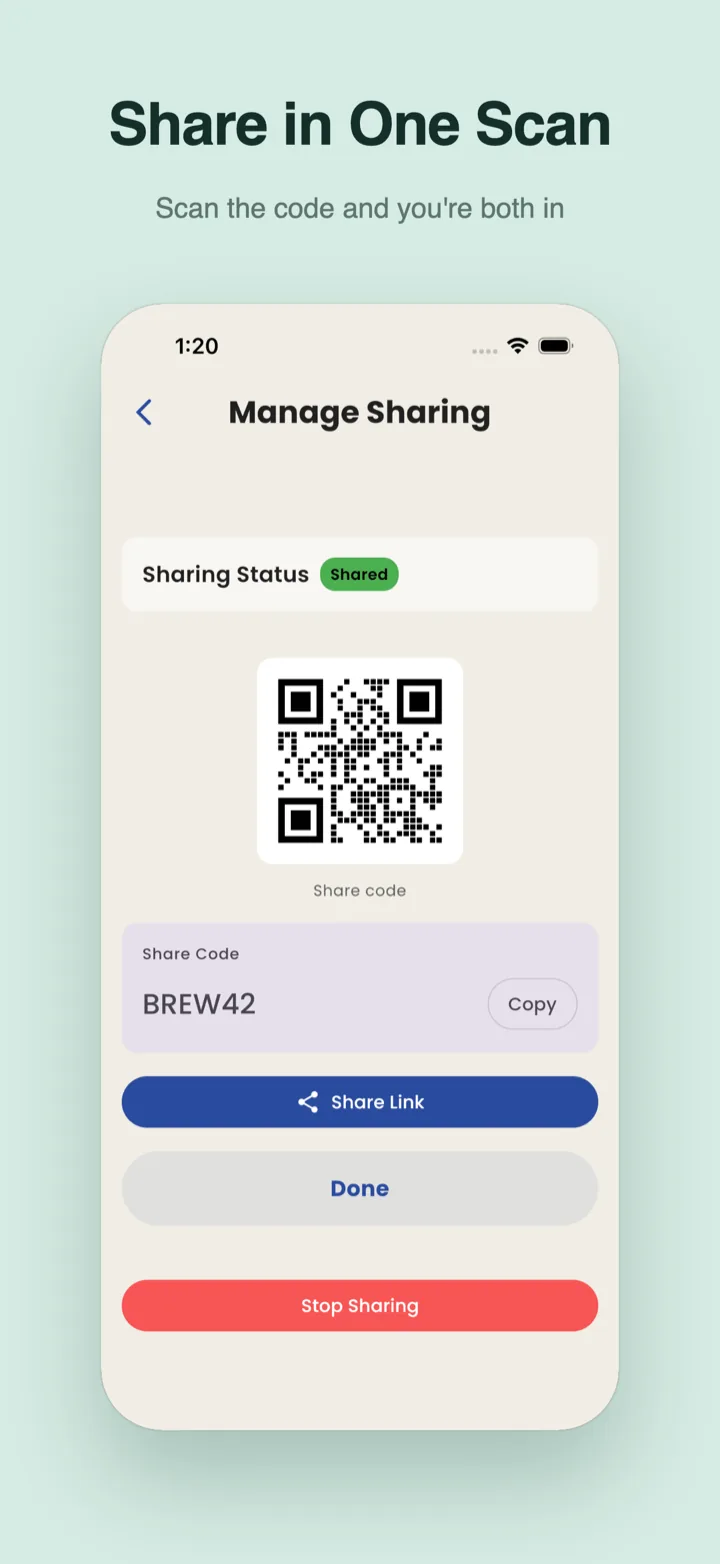
- Invite your household. Share the list or put it in a group, and send a link, a code or a QR code. Nobody fills in a sign-up form; the first time they join, ListHarbor just asks what the group should call them.
Sharing between an iPhone and an Android phone works the same way; the iPhone and Android sync guide covers mixed-phone homes.
Buy Me a Pie alternative FAQ
Is Buy Me a Pie still being updated?
On Android, yes: its Google Play listing shows an update on August 26, 2026. On iPhone, the App Store still lists version 5.4.16 from December 5, 2023 as the latest (App Store).
Is Buy Me a Pie free?
It's free to download. Its App Store listing says Pro, at $2.99 a month or $29.99 a year, unlocks unlimited lists, sharing with unlimited users and an ads-free version.
Is ListHarbor free?
Yes. Shared lists, group notifications, shopping mode, aisle order, budgets, recipe import and widgets are free, with no ads. Premium is optional and adds more and bigger groups, unlimited photo backup and more recurring lists.
Can an iPhone and an Android phone share one ListHarbor list?
Yes. It's the same app on the App Store and Google Play with one sync engine, so a change on one phone shows up on the other within seconds.
See every feature on the ListHarbor shared shopping list app page.
Try it on your next shopping run
ListHarbor is free on iPhone, iPad, and Android — no sign-up form to start.